ScreenGo
Mac screen recording with automatic scaling and subtitle addition
Introduction
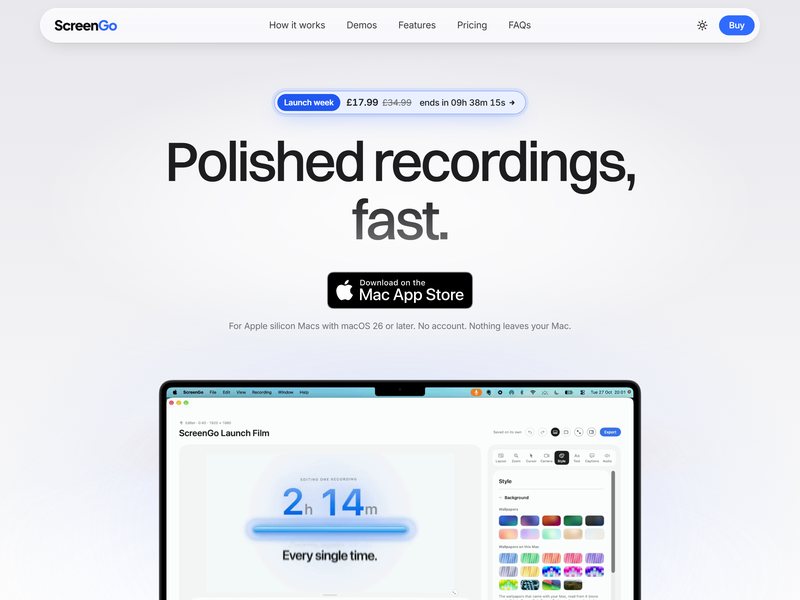
ScreenGo is a screen recording and editing software for Mac, featuring the capability of “being ready for sharing right after the recording is completed.” It allows for separate recordings of the screen image, video from the camera, human voice, and system sounds. After the recording is finished, the zoom level, the position of the cursor, and the size of the camera window are automatically adjusted to the optimal settings—only minor fine-tuning may be required.
In the editor, it is possible to add subtitles, encrypt sensitive information, remove or speed up lengthy segments, and easily adjust the aspect ratio with just one click: 16:9 for posting on Bilibili and YouTube; 9:16 for TikTok and other short-video platforms; 4:5 for platforms like REDnote that feature image-and-text content, where the layout will be automatically adjusted accordingly. Additionally, it is possible to apply noise reduction and tone adjustment to audio recordings.
It is only compatible with Apple chips and macOS versions 26 and above. No registration is required, and the data remains solely on your device. It is a one-time purchase, with no subscription option available.
If you want to create a continuous storyline rather than individual shots, TVLab offers serialized web novels that are updated chapter by chapter. The character settings and storyboard scripts can be easily copied with just one click, making it very convenient to use such video tools when producing continuous series.