AI TOOL / #01644
Kinder games
An educational sliding game suitable for children, where learners can explore and learn through clicking and swiping.
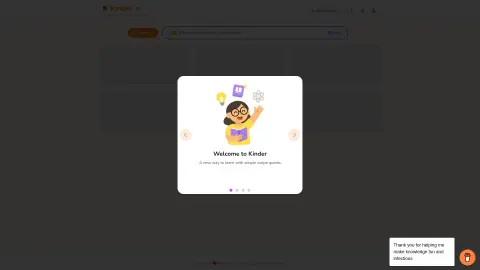
Introduction
Educational swiping game for kids to learn through tap and swipe quests.
What is Kinder?
Kinder is an adventure game that combines clicking and swiping elements, transforming screen time into learning opportunities for children. It requires no login process and emphasizes simplicity as well as educational content. Children can create their own customized themes or explore various pre-designed themes, making it an engaging and addictive learning experience—much like Tinder when used for educational purposes.
How to use Kinder?
Slide through the topics to explore content generated by AI and create your own learning tasks. Select the appropriate difficulty level and start learning.
The core features of Kinder
AI-generated content creation
Educational sliding game
Thematic exploration
Progress tracking
Educational sliding game
Thematic exploration
Progress tracking
Related
PixelVibe by Rosebud AI
AI tools that generate 2D and 3D game assets as well as game code.
My Adventures AI
My Adventure is an interactive platform that allows users to create and explore fictional worlds using artificial intelligence. Users can develop their own stories, tasks, and settings, and in the process of interacting with the AI, they can continue to expand these worlds.
Exactly AI
A professional platform for AI-generated art and creative endeavors
DoodleTale – AI Children Creativity App
An AI-powered app for children that lets them learn from drawing and create stories.
Block Blast Cheat
Free online Block Blast puzzler that uses AI to suggest the best moves for high scores.
Stable Video 3D
The Stability AI license offers flexible generative AI solutions, with self-hosting advantages and access to models such as SV3D.