AI TOOL / #02089
Tomat
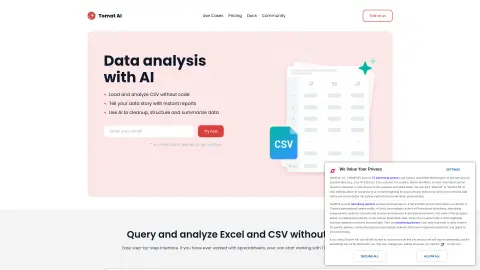
A code-free data analysis platform that utilizes AI to process CSV and Excel files.
Introduction
No-code data analytics platform with AI for CSV and Excel analysis.
What is Tomat.AI?
Tomat.AI is a data analysis platform that requires no coding knowledge. It allows users to analyze CSV and Excel files through a visual, step-by-step interface. With the help of AI agents, it provides functions such as data cleaning, extraction, summarization, and sentiment analysis. Users can quickly generate reports, automate their tasks, and connect to various data sources without writing any code.
How to use Tomat.AI?
Download and install Tomat.ai. Load any CSV or Excel file. Use the intuitive user interface to perform visualizations that involve filtering, sorting, and grouping data. Take advantage of the “AI Columns” or “AI Tables” features to enrich, translate, analyze, or clean your data through natural language commands.
The core features of Tomat.AI
Code-free data analysis
AI-driven data conversion
Visual, step-by-step interface
Automatic data analysis
Data reporting and export
AI-driven data conversion
Visual, step-by-step interface
Automatic data analysis
Data reporting and export
Related
Upword
AI research tools for summarizing content, creating reports, and managing research projects.
CanDoo – Find better information faster
Provide AI research assistants for legal professionals to enhance the efficiency of case searches and report drafting.
Axiom Browser Automation & Web Scraping
No-code browser automation and RPA tools for website operations and data extraction.
stepsize.com
An AI-driven product development report based on Jira and Linear, which provides actionable metrics.
The new SimReady Central
NVIDIA’s simulation-grade 3D asset search platform
SafeWaters.ai
Application of shark attack risk prediction using artificial intelligence and historical data.