AI TOOL / #04889
NICH: GPT Anonymizer
NICH anonymizes and restores sensitive data to enable private AI interactions.
Introduction
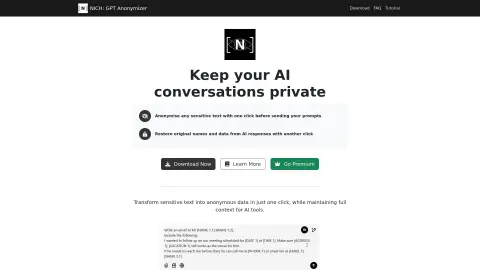
NICH anonymizes and deanonymizes sensitive data for private AI interactions.
What is NICH: GPT Anonymizer?
NICH protects your privacy by anonymizing sensitive data before it is used in interactions with AI systems, and allows for seamless restoration of this information when necessary. It is designed specifically for researchers, businesses, and individuals who value their privacy. Data processing takes place locally – no need for the cloud, no tracking, and you retain full control over your information. With just one click, sensitive text can be anonymized before it is used in AI interactions; with another click, the original names and data can be restored to the AI responses.
How to use NICH: GPT Anonymizer?
Before sending a prompt to the AI tool, you can simply use one button to anonymize sensitive text. With another button, you can restore the original data and enable the AI to process it again.
NICH: The core functionality of GPT Anonymizer
Anonymization of sensitive information
De-anonymization enabled by AI responses
Local processing (no need for the cloud)
Intelligent detection of sensitive data
Custom data masking
De-anonymization enabled by AI responses
Local processing (no need for the cloud)
Intelligent detection of sensitive data
Custom data masking
Related
LegalTranslations.com
LegalTranslations.com provides legal document translation services to law firms, companies, and government entities. By combining artificial intelligence with human expertise, we ensure accurate and confidential translations for all legal needs, including contracts and patents.
REimagine Home
Artificial intelligence-based tools for interior design and virtual space planning enable the personalized redesign of homes.
linksquares.com
An AI-powered contract management platform for drafting, reviewing, and executing agreements.
DraftCheck
An AI-based proofreading tool for legal documents, compatible with Google Docs and Microsoft Word.
OpenAI expenses checker
A Chrome extension that allows you to quickly check your OpenAI fees in your browser.
HelloSign
Dropbox Sign offers solutions for electronic signing, digital workflows, and electronic faxing.