AI TOOL / #06276
Message AI
Cross-platform AI chat application that supports iCloud synchronization, as well as text-to-image and text-to-speech functions.
Introduction
Cross-platform AI chat app with iCloud sync, text-to-image, and text-to-speech.
What is Message AI – GPT TTS?
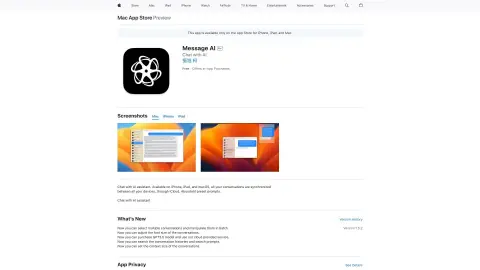
Message AI – GPT TTS is a cross-platform application available for iPhone, iPad, and Mac. It enables users to chat with the AI assistant, synchronize conversations across devices via iCloud, and utilize features such as text-to-image and text-to-speech conversion. The app also offers a keyboard extension that allows access to the AI within any other application, and supports custom prompts.
How to use Message AI – GPT TTS?
Download the app from the App Store, start a conversation, and chat with the AI assistant. You can also use the keyboard shortcuts in other apps to access the AI features. Customize the prompts and make use of the text-to-image and text-to-speech functions.
The core functionality of Message AI – GPT TTS
AI chat assistant
Cross-device iCloud synchronization
Text-to-image generation
Text-to-speech function
Customizable prompts available.
Accessing AI-powered keyboard extensions in any application.
Cross-device iCloud synchronization
Text-to-image generation
Text-to-speech function
Customizable prompts available.
Accessing AI-powered keyboard extensions in any application.
Related
PodSnap.AI
AI-generated podcast summaries are sent directly to your inbox.
Bubbles
AI-based meeting recording assistants and screen recording tools that enhance productivity and enable asynchronous communication.
ApolloAI
Generative AI platforms designed for content creation: music, audio, dubbing, images, videos, and text.
Meet Transcriber
Provide real-time transcription for languages not supported by Google Meet, along with manual editing services.
Hey Watcher AI
Hey Observer is an AI YouTube video translation tool for seamless multilingual viewing.
WorkBot
An AI-driven customer service platform designed for automation and data analysis.