AI TOOL / #06525
Whisper Text Reader
Browser plug-in that reads selected text aloud using text-to-speech technology.
Introduction
Browser extension that reads aloud selected text using text-to-speech technology.
What is Read Aloud ai chrome extension/plugin?
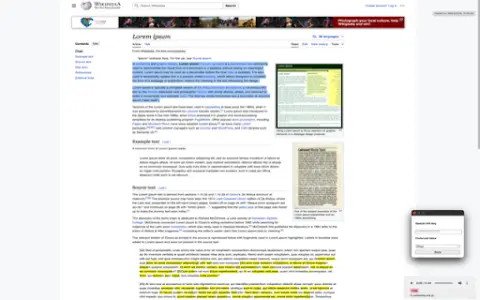
Read Aloud is a browser plug-in that uses text-to-speech (TTS) technology to read web page text aloud. It supports multiple voices and languages, allowing users to customize their listening experience. The plug-in integrates seamlessly with web browsers, allowing users to easily select text and have it read aloud with a right-click.
How to use Read Aloud ai chrome extension/plugin?
Highlight selected text on a web page, right-click and select "Speak this text" to have the plug-in speak the selected text.
Read Aloud ai chrome extension/plugin core features
Text-to-speech functionality for web text
Related
Gooey.AI
A low-code platform designed for AI workflows, offering unified billing and access to a variety of AI models.
InterviewPrep AI
A Chrome extension for mock interviews that provides real-time transcription and AI-powered analysis.
Memozora
A free online tool for creating flashcards, which uses spaced repetition methodology and offers dictionary functionality as well as text-to-speech conversion.
Woord – Text to Speech
Word uses natural voices to convert text into audio in multiple languages.
Chat GPT Logger
An extension tool used to save ChatGPT conversations as local text files.
Wavve AI
An artificial intelligence platform used for audio recording, transcription, summarization, and content generation.