AI TOOL / #06683
VoiceChatter
Convert speech into text in Chatter format.
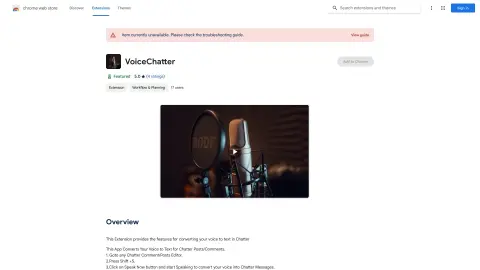
Introduction
Converts voice to text for Chatter posts and comments.
What is the Voice to Chatter Converter AI Chrome extension/plug-in?
This application converts your voice into text for Chatter, allowing you to create messages quickly and easily using voice recognition technology.
How to use the Voice to Chatter Converter AI Chrome extension/plug-in?
1. Open any Chatter comment/posting editor.
2. Press Shift + S.
3. Click the “Speak Now” button and start speaking; your voice will be converted into a Chatter message.
The core functionality of the Voice to Chatter Converter AI Chrome extension/plug-in
Chatter's text-to-speech function
Related
PopPop AI Text to Speech
A free online AI text-to-speech generator with realistic voices and customization features.
UberTTS
An artificial intelligence tool platform designed to enhance productivity, improve quality, and facilitate monetization.
Resonoon
A no-code platform for creating AI voice and chat bots in 30 minutes.
Call AI – Smart Call Assistant
An AI-powered virtual call assistant for call handling, appointment scheduling, and spam call blocking.
TokGPT – ChatGPT for TikTok
AI-powered creative tools for art, design, and film.
Speaktor: Convert Text to Audio
An AI-powered Chrome extension that converts text into audio in over 100 different languages.