AI TOOL / #07091
ScreenRedact
A Mac application designed to use local machine learning techniques to identify and highlight text within images.
Introduction
Mac app for redacting text in images using on-device machine learning.
What is ScreenRedact?
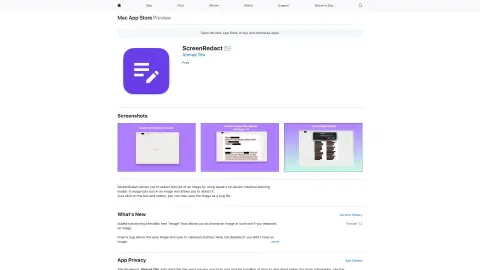
ScreenRedact is a Mac application developed by Ahmad Tibi that allows users to quickly conceal sensitive information from images. It utilizes Apple’s native machine learning technology to identify text within images and provides a user-friendly interface for masking those areas. The modified images can then be saved in PNG format.
How to use ScreenRedact?
Open an image in ScreenRedact, and the application will automatically detect any text present. Click on the text to darken it. Save the darkened image as a PNG file.
The core functions of ScreenRedact
Using Apple’s native machine learning technologies for text masking/darkening.
Save the image in PNG format.
Copy the image to the clipboard.
Save the image in PNG format.
Copy the image to the clipboard.
Related
Candy
An AI-powered Chrome extension that automatically generates image file names.
Spaceduck
Spaceduck is a screenshot tool that incorporates artificial intelligence-powered organization and collaboration features.
The new CleverSee
The enterprise-level AI search service launched by Alibaba Cloud
Lasso Moderation
An artificial intelligence-based content review platform designed to protect brands and enhance user experiences.
Background Removal
AI-driven image processing API covering a variety of tasks, available via cloud subscription or custom solutions.
Calorie Tracker
For the application of calorie calculations in the food industry, GPT-Vision is utilized to estimate and assess nutritional values.