AI TOOL / #09926
MacGaiver
An AI-powered macOS assistant that uses computer vision to answer questions regarding any application.
Introduction
AI-powered macOS assistant that answers questions about any application using computer vision.
What is MacGaiver?
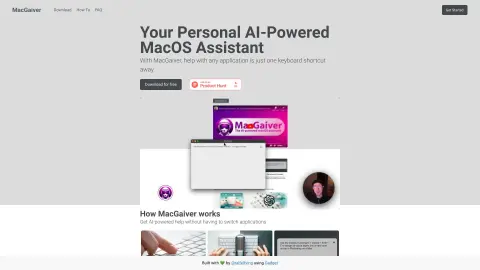
MacGaiver is an AI-powered macOS assistant that utilizes computer vision to answer questions regarding any application. By pressing a keyboard shortcut and posing your question, you can get assistance without leaving the current window. MacGaiver uses the OpenAI Vision API to provide answers in the context of your query.
How to use MacGaiver?
In any application, you can activate MacGaiver using keyboard shortcuts to submit your question—either in audio or text form. MacGaiver will then respond using answers derived from the context, relying on OpenAI GPT-V for its functionality.
The core features of MacGaiver
Provide AI-powered assistance within any macOS application.
Utilize computer vision to provide context-based answers.
Activate keyboard shortcuts
Integration with the OpenAI Vision API
Utilize computer vision to provide context-based answers.
Activate keyboard shortcuts
Integration with the OpenAI Vision API
Related
Emitrr
Emitrr is a business toolbox for customer communication and engagement through texting and automation.
NovaSynth
AI voice agent stress testing platform
Akkio
AI Data Analysis and Workflow Automation
Aphid
By using an AI-driven automation platform, you can save time and generate revenue through digital clones.
New Loqui
A voice input tool that allows you to speak and have text generated by pressing a single key.
BuyScout™
The AI-powered online shopping assistant provides product insights, chat functionality, price tracking services, and reminders for reordering products.