AI TOOL / #07230
hahaOCR
Extract text from the image; press the ESC key to exit.
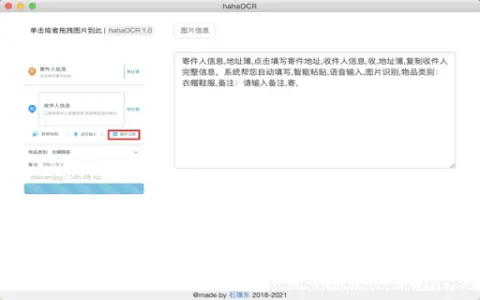
Introduction
Extract text from images and exit with ESC.
What are the Image to Text and ESC Exit App AI Chrome extensions/plugs?
This application allows users to extract text from images and convert it into editable text. Users can upload images by clicking a button and exit the application by pressing the “ESC” key.
How to use the Image to Text & ESC Exit App AI Chrome extension/plug-in?
Click the upload button to select an image. The application will automatically extract the text from the image and display it. Press the “ESC” key to exit the application.
The core functionality of the Image to Text and ESC Exit App AI Chrome extension/plugin.
Image to Text conversion
Use the ESC key to exit the function.
Use the ESC key to exit the function.
Related
Somme: Wine Matched to You
Somme is a wine app that provides personalized recommendations using artificial intelligence and wine label scanning.
Solvr
Solvr is a free Chrome extension that provides instant AI-powered answers right inside the browser.
plano.ly
Free social media tools that help optimize personal profiles and enhance content sharing across different platforms.
ScreenRedact
A Mac application designed to use local machine learning techniques to identify and highlight text within images.
ImageFlow
A free PSD-level image editing tool that runs within web browsers.
cinnamon.ai
Cinnamon AI provides business-focused AI solutions focused on document analysis and automation.